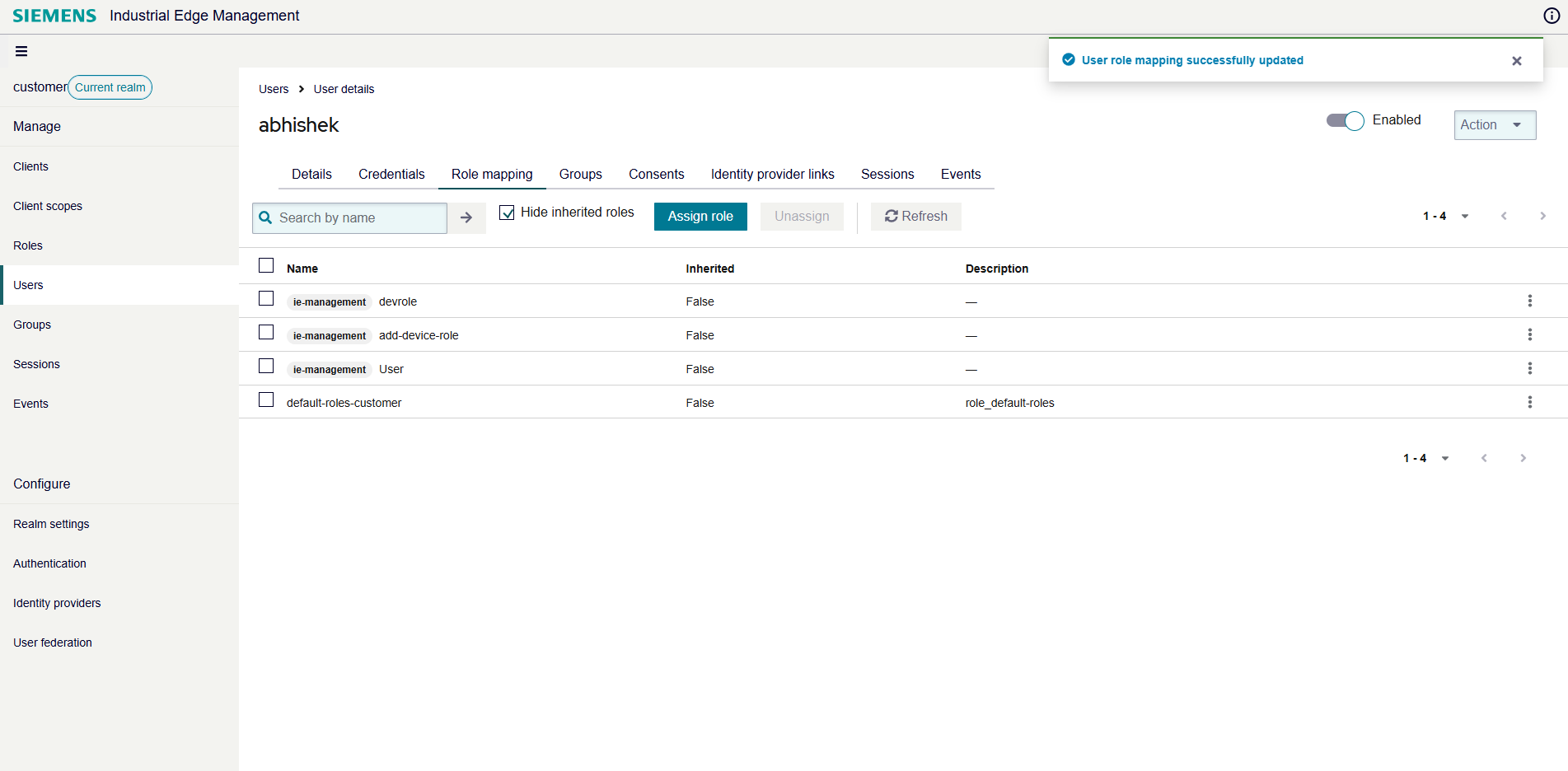
Utilize roles
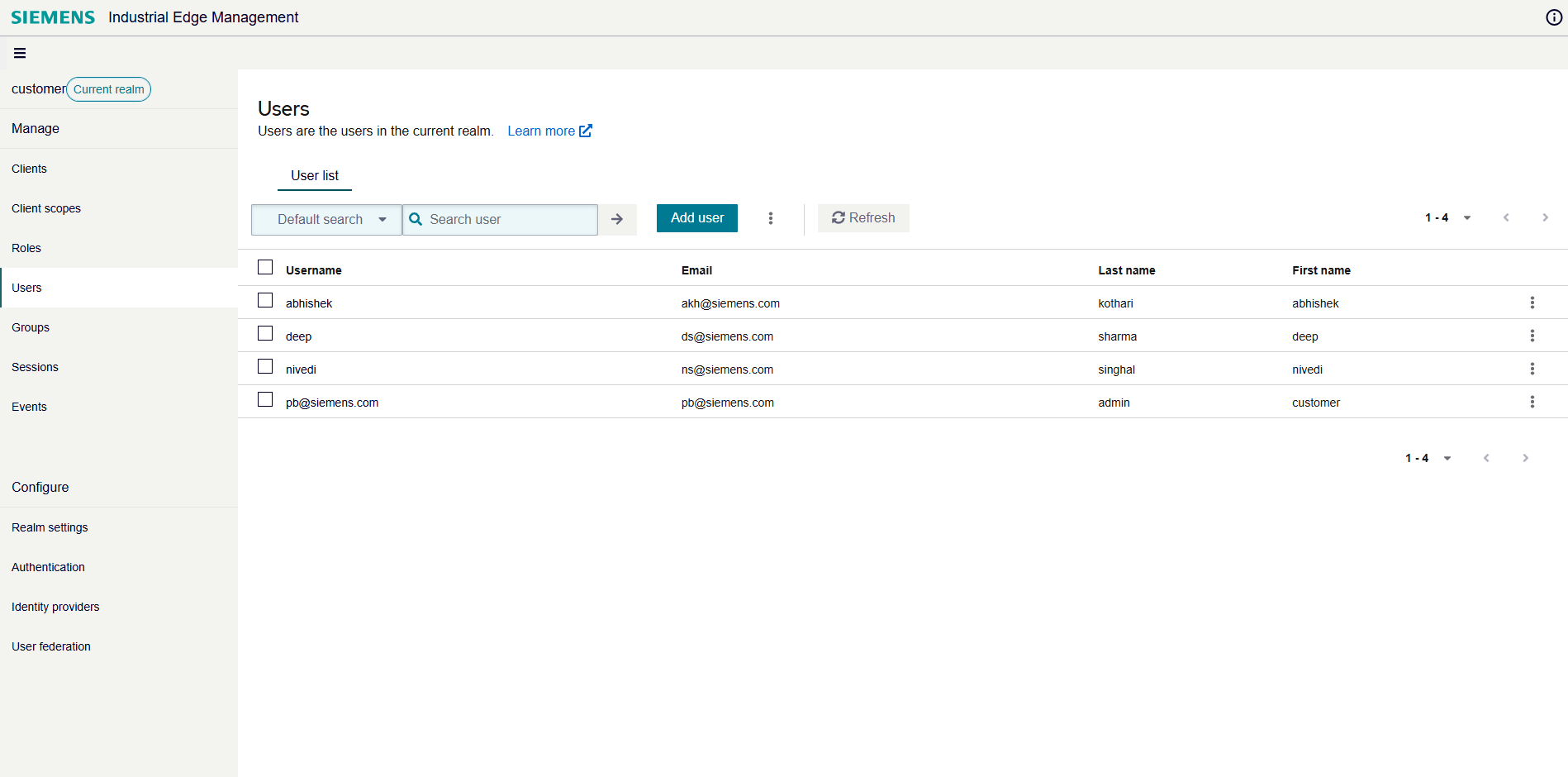
As a user, you can easily assign roles to other users within your realm. By navigating to the Users section, you have access to a complete list of users in your environment.
When you want to assign a role, you simply select the desired user and open their Role mapping tab. From there, you can search for the appropriate role and assign it by selecting the checkbox next to the role name. Once you click Assign, the role is immediately mapped to the user, and you can confirm the assignment in the user's profile.