Download software
In the Downloads screen you download all necessary software for running the IEM.
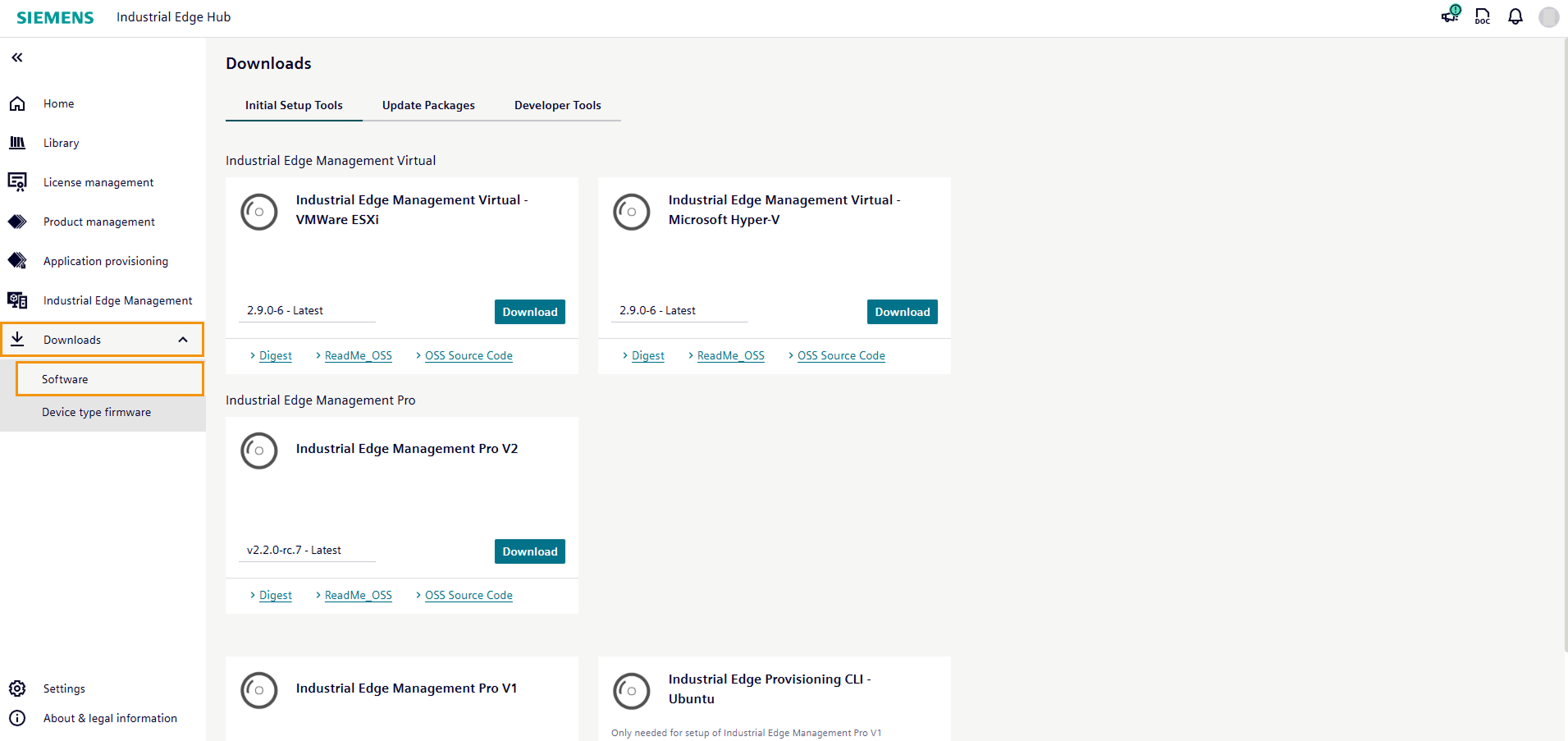
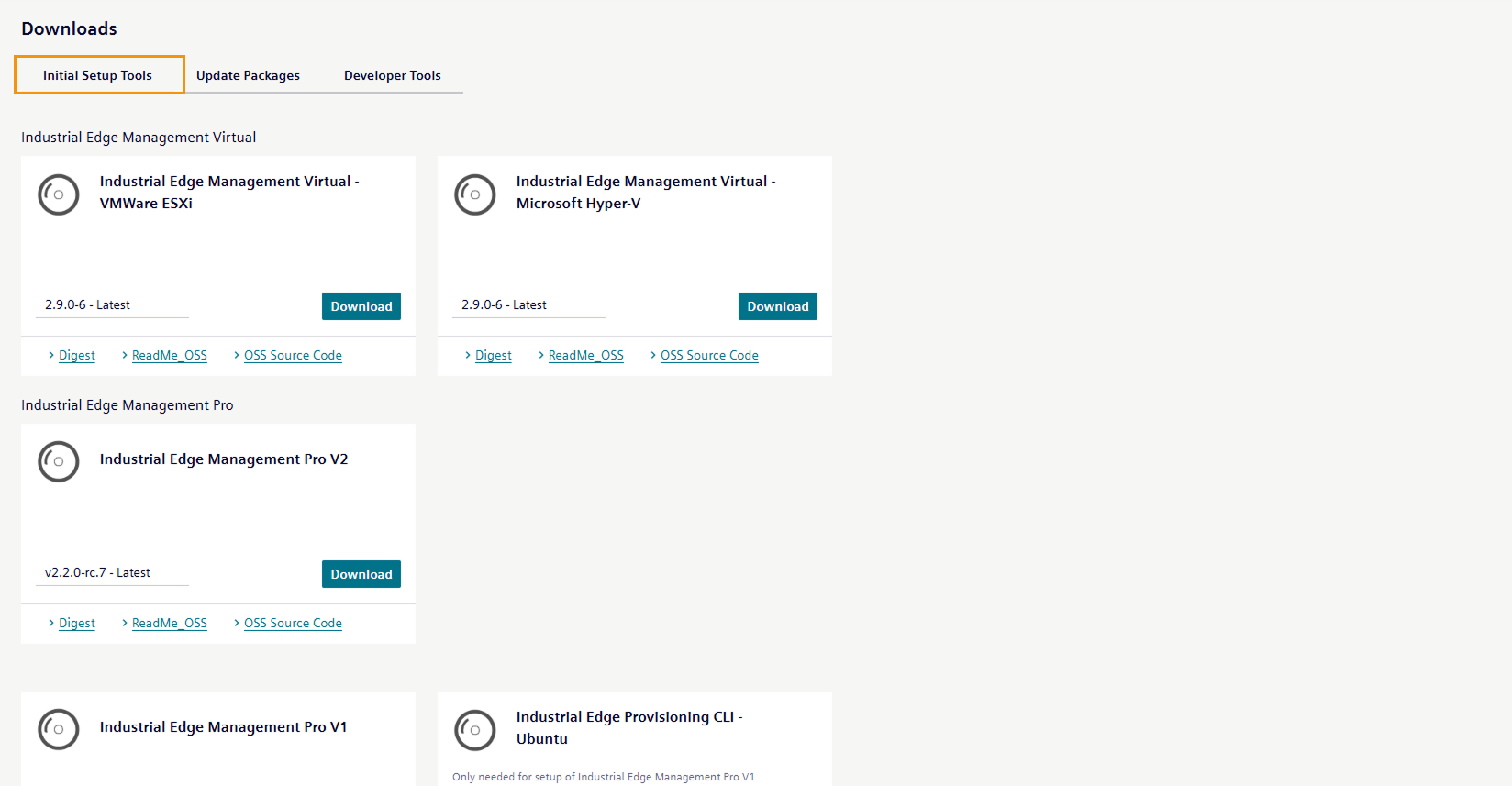
In the Initial setup tools tab, you download the Industrial Edge Management OS which runs on a VM.
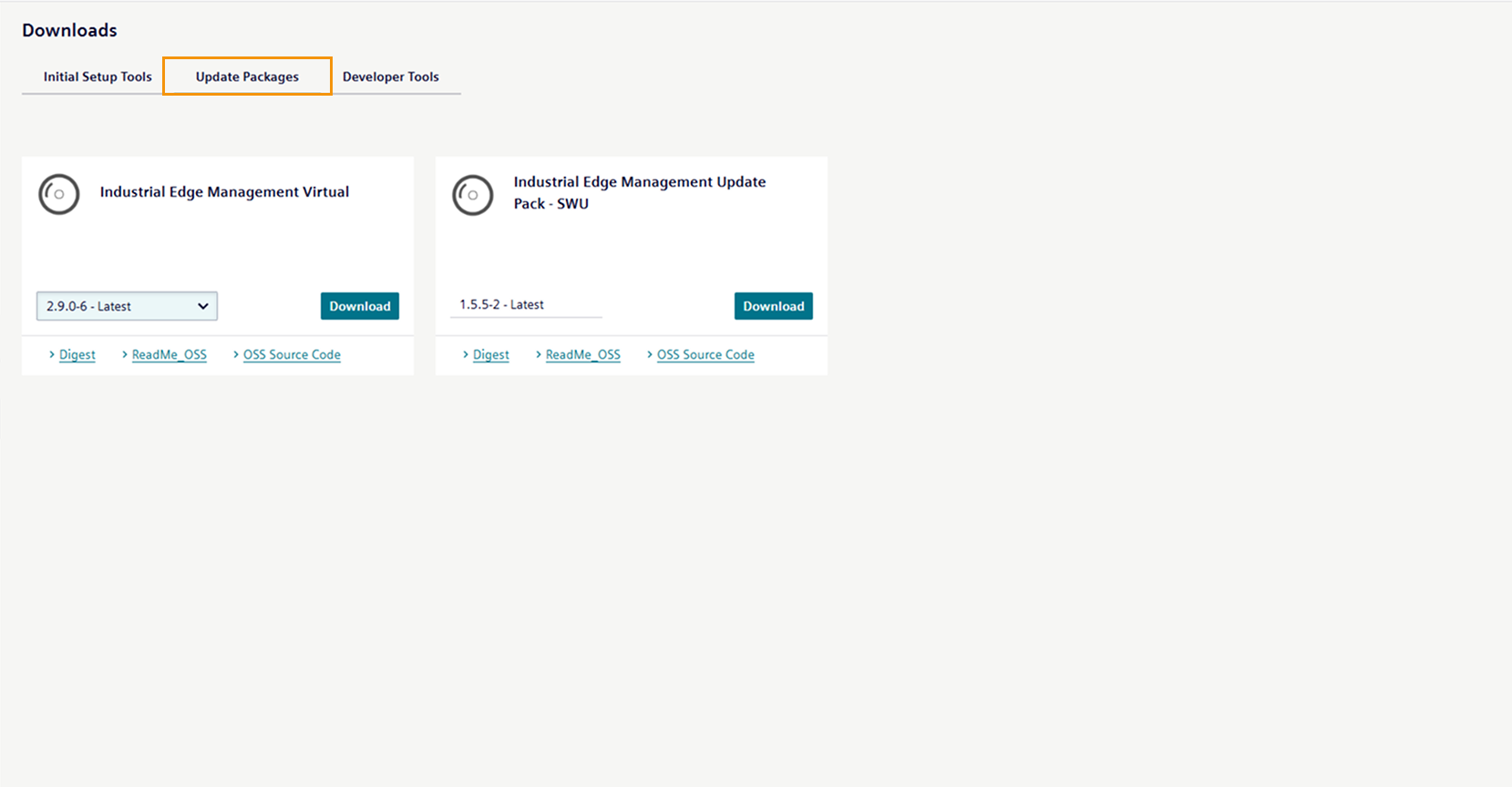
From the Update packages tab, you download the software update package to update the Industrial Edge Management.
From the Developer tools tab, you download the Windows respectively Linux version of either the UI based software or the CLI (command line interface) of the Industrial Edge App Publisher.
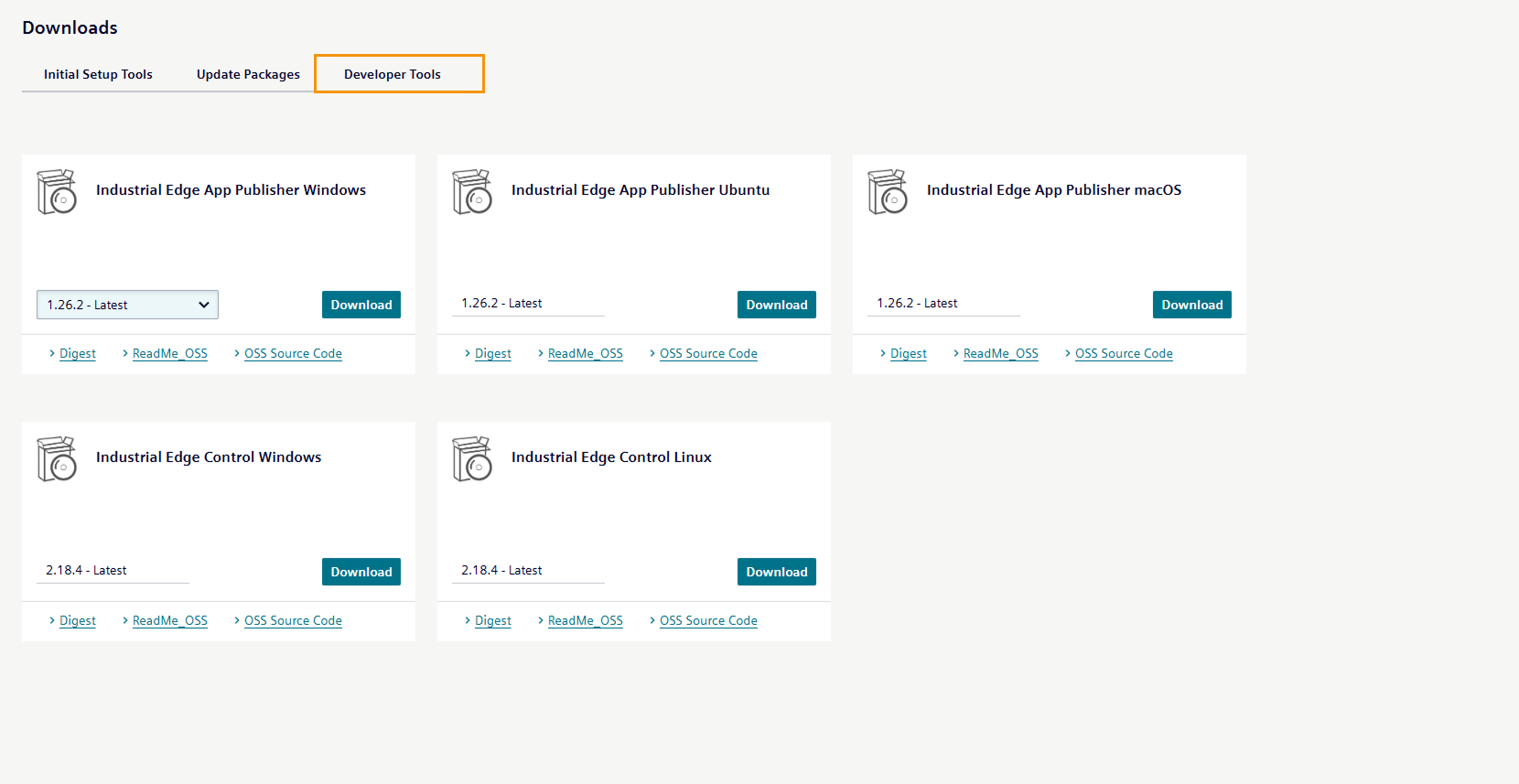
In addition, you can download the Industrial Edge Control (IECTL), the Command Line Interface to interact with Industrial Edge and its components.
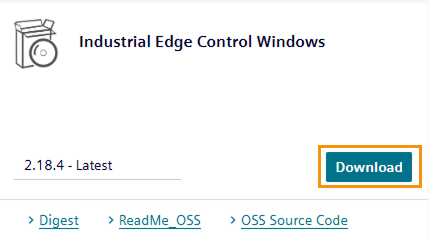
By clicking the Download button of the corresponding software, the software is downloaded to the standard download folder of your Internet browser.
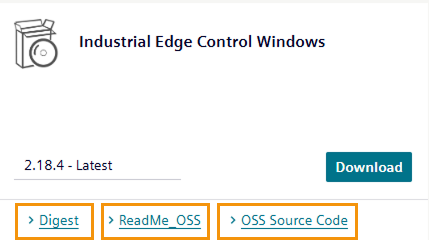
The respective software also includes links for its open source software (OSS) sources and for the OSS readme. By clicking one of the links, the respective file is being downloaded.
NOTICE
The software provides an SHA256 checksum to verify file integrity. For more information on file integrity verification, see Industrial Edge file integrity.