Installed applications
This tab displays all applications installed on the device. You can also install applications in this tab.
Several actions, for example start, stop, and uninstall, as well as additional information such as details and logs, are available in the context menu.
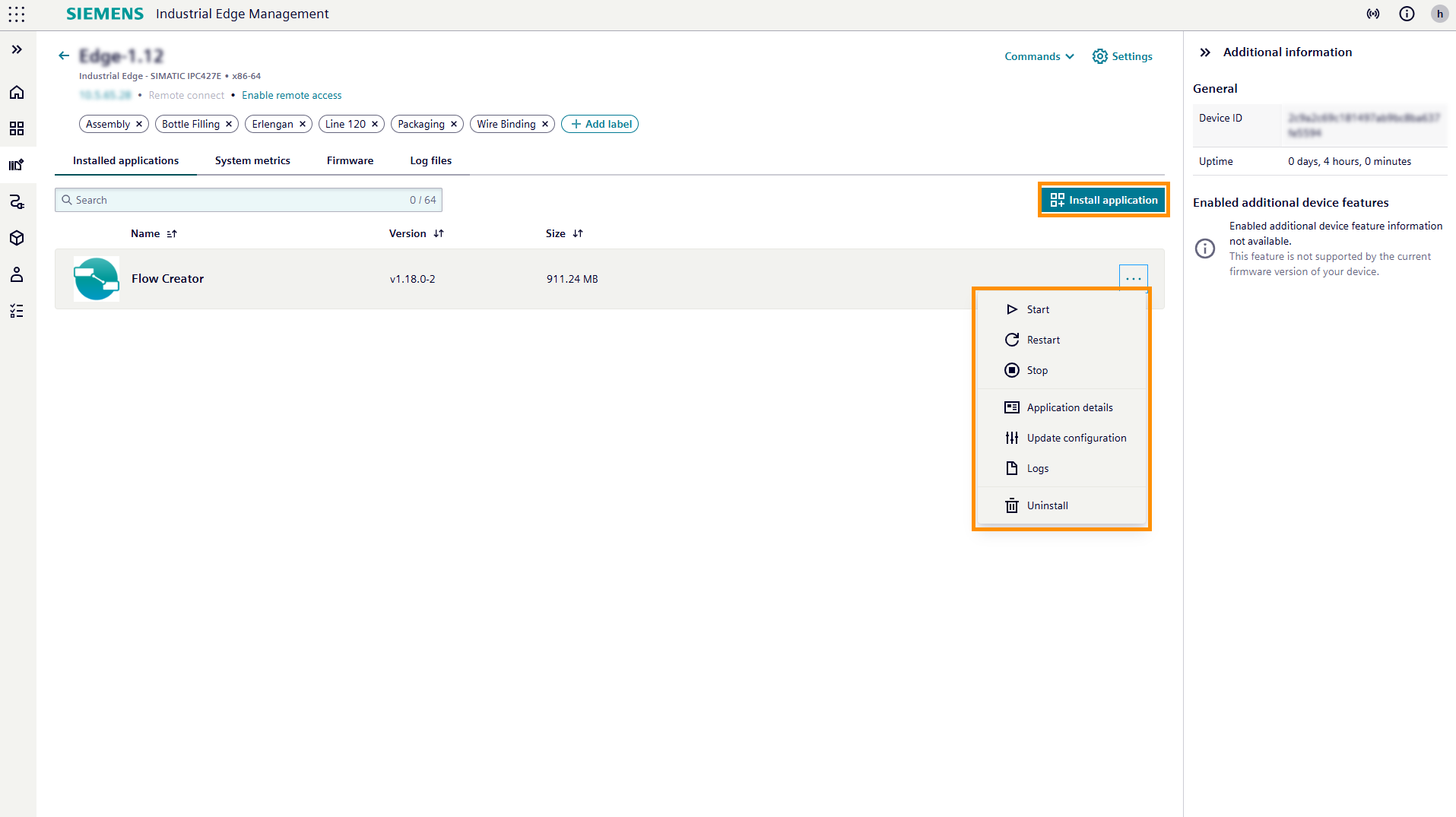
Install application
You can start the device application installation process in this view. For more information, see Installation of Device Applications.
Further actions and information
- Start, restart and stop: You can start, restart, and stop the application.
- Application details: You can access the
Device application detailspage of each application. - Update configuration: You can update configurations for installed applications.
- Logs: You can access and download the device logs.
- Uninstall: This action uninstalls the application from the device.
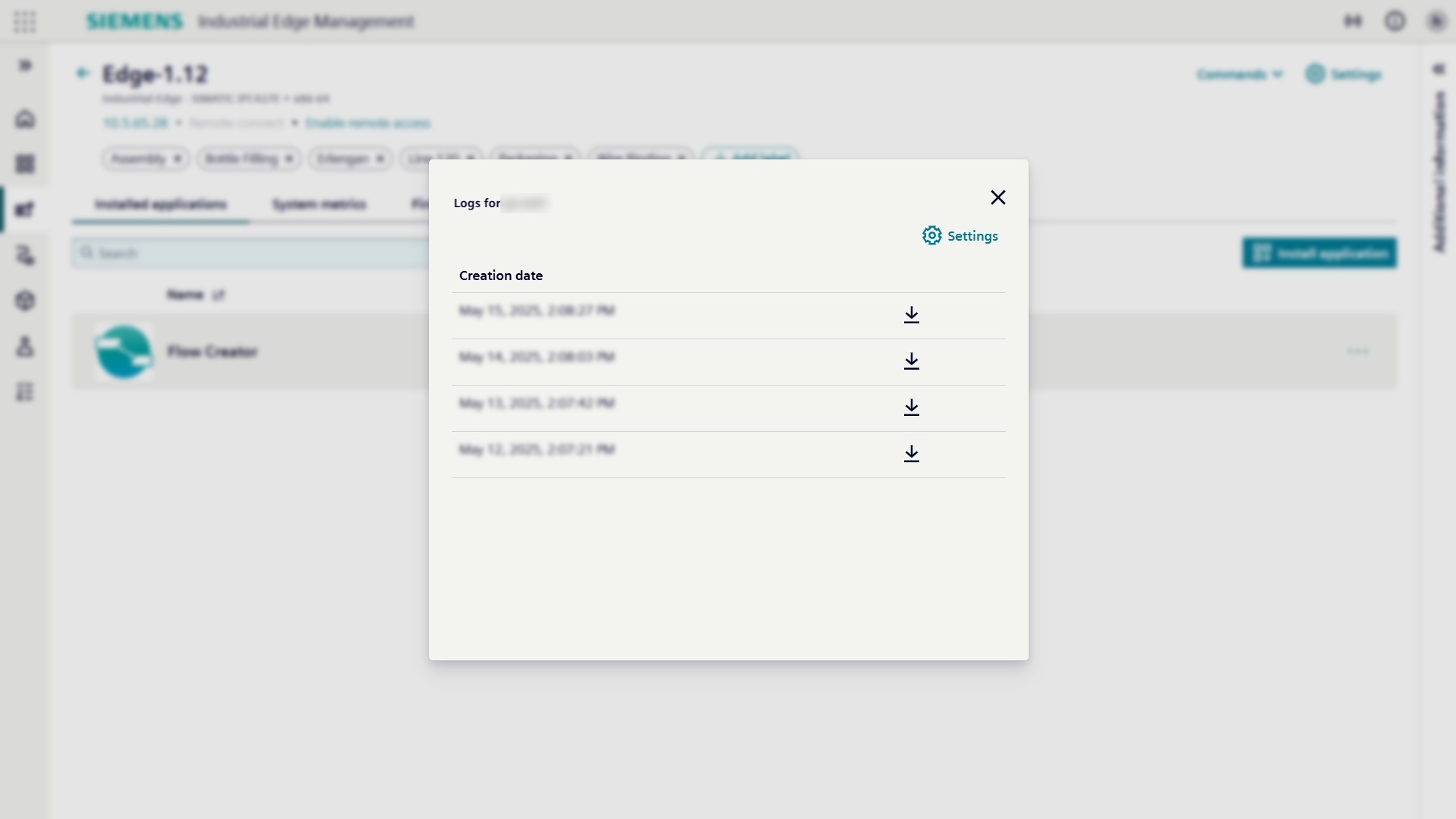
Logs
Clicking on Logs opens a pop-up window where you can access and download the logs created by your device.