Onboarding the Edge Device
Procedure
-
Open the Edge Device UI by entering the IP address of the Edge Device in HTTPS protocol into your Internet browser, for example
https://192.168.80.123.A certificate warning is displayed.
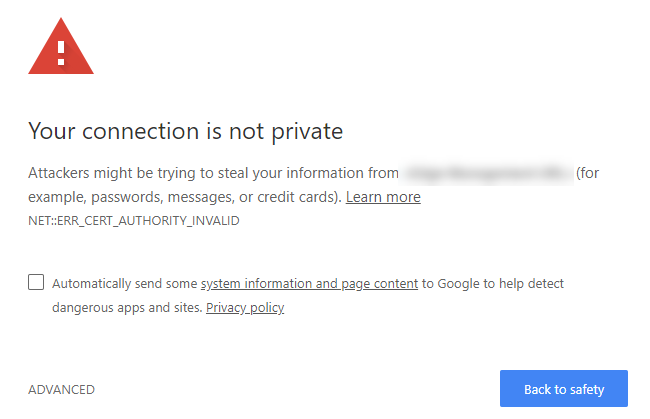
-
Click
Advanced. -
Click
Proceed to 'IP address'.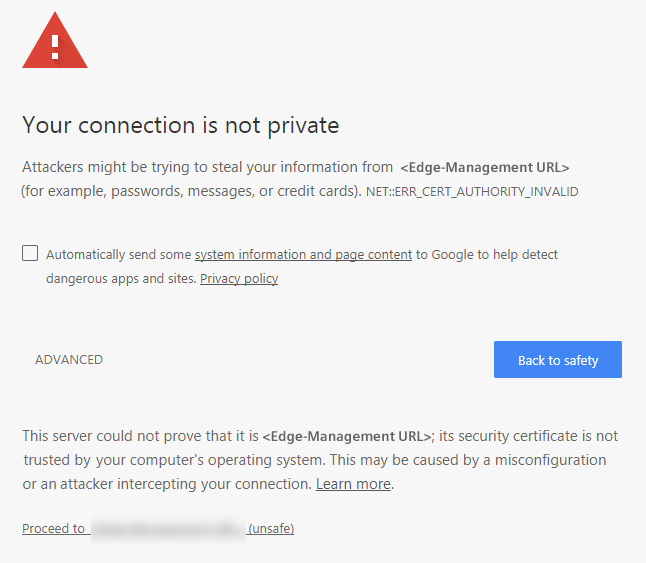
The
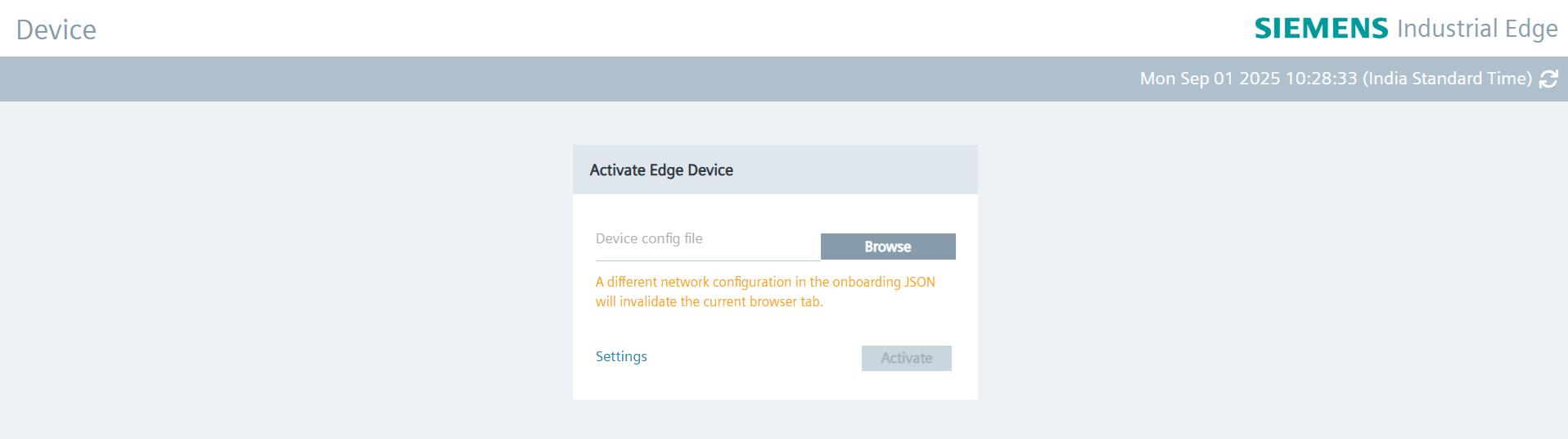
Activate Edge Devicescreen is displayed. In the top-right corner, a device time label is shown alongside a refresh icon.Notice
Clicking the refresh icon updates the device time label with the device's current time.
-
Click
Browseand select the created Edge Device configuration file. -
Click
Settingsto configure the following settings:- Network settings
- Proxy settings
- Docker network settings
- System settings
You find the procedure on how to configure each setting in the
Settingssubsection. -
After configuring the settings, click
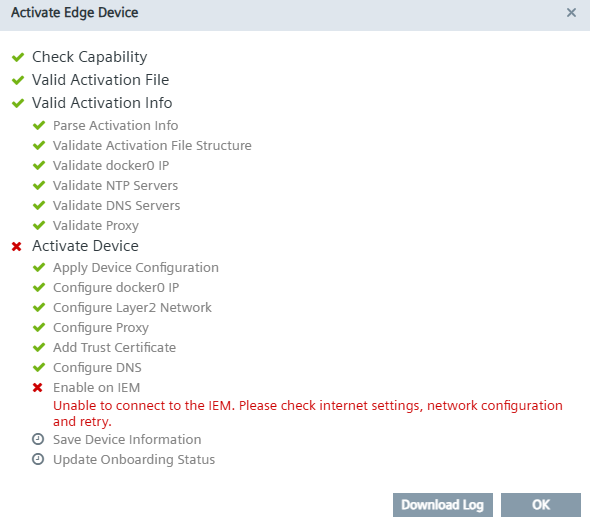
Activate. During device onboarding, a popup like the one below will appear.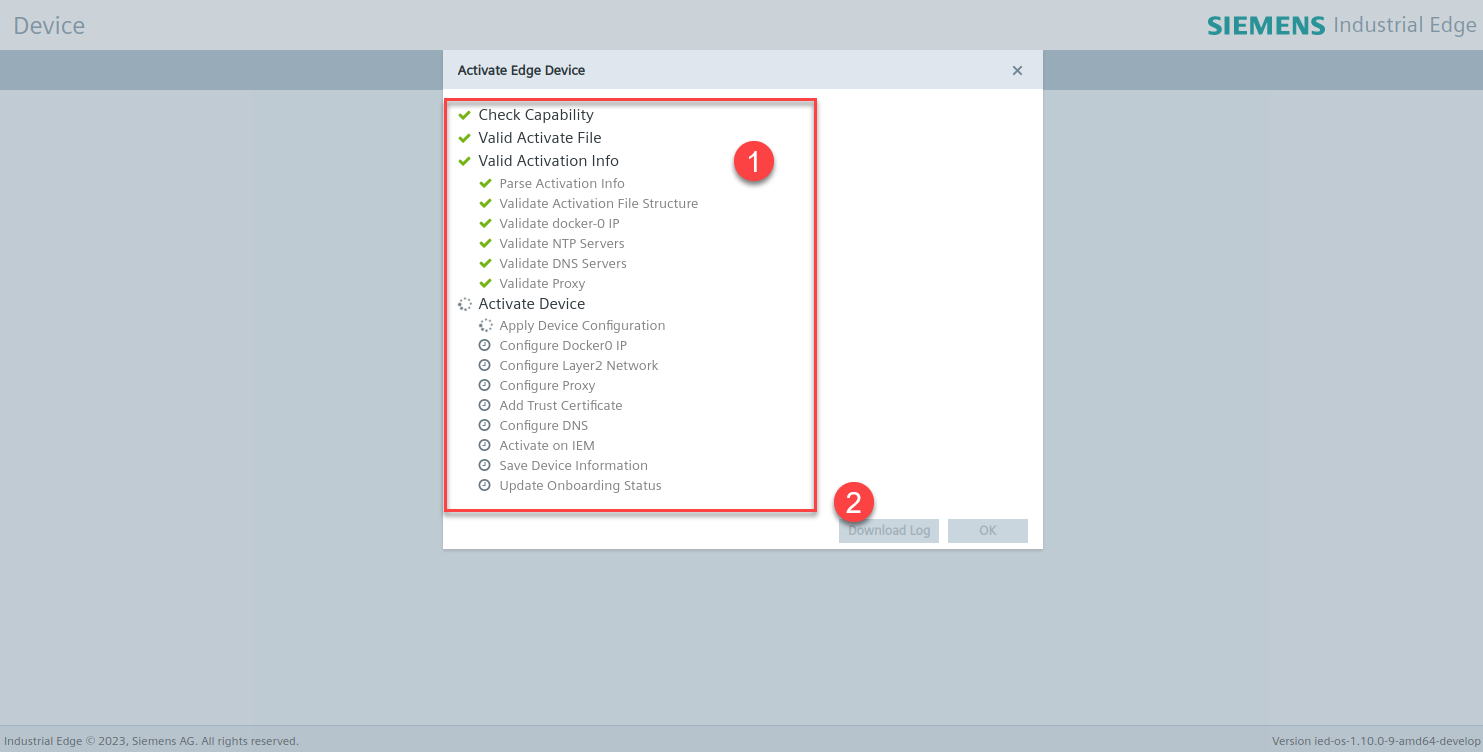
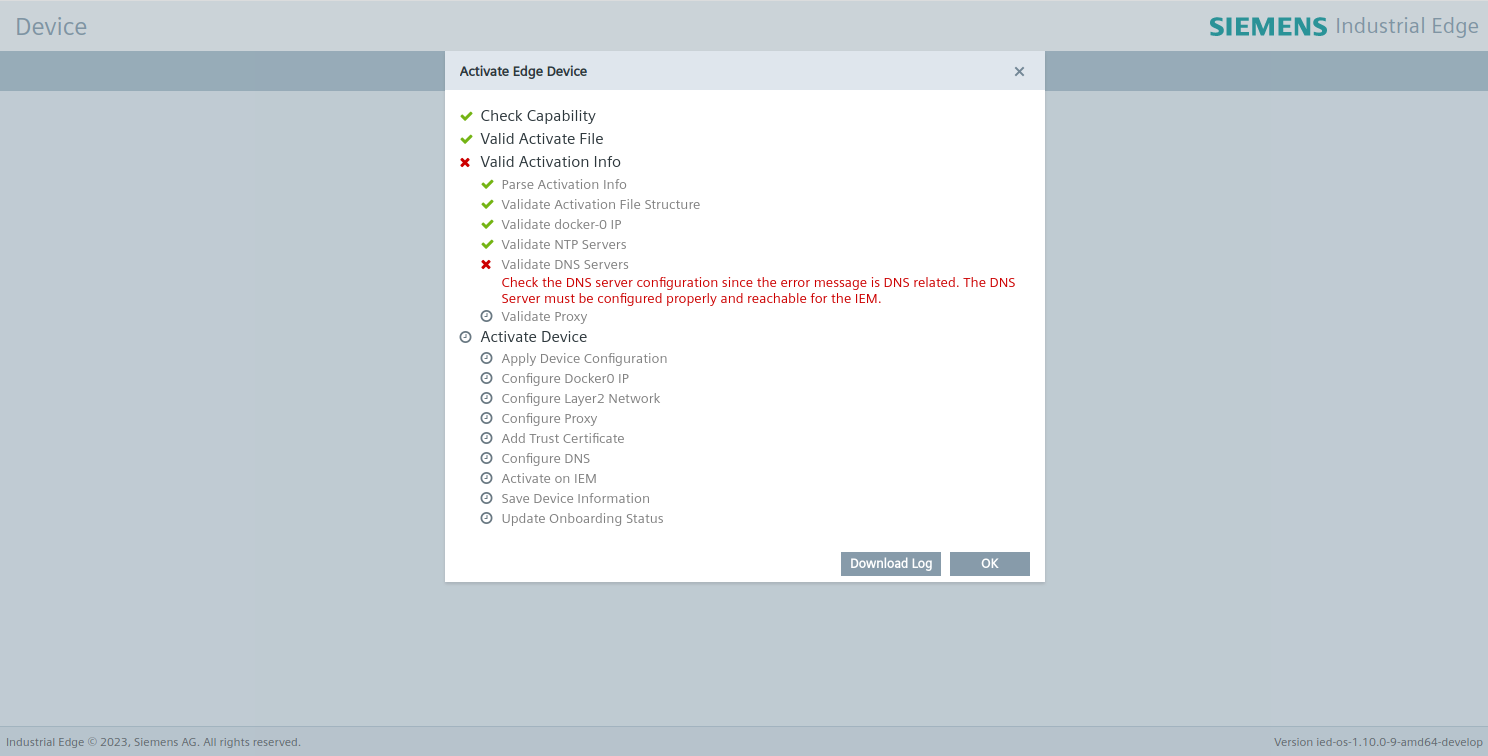
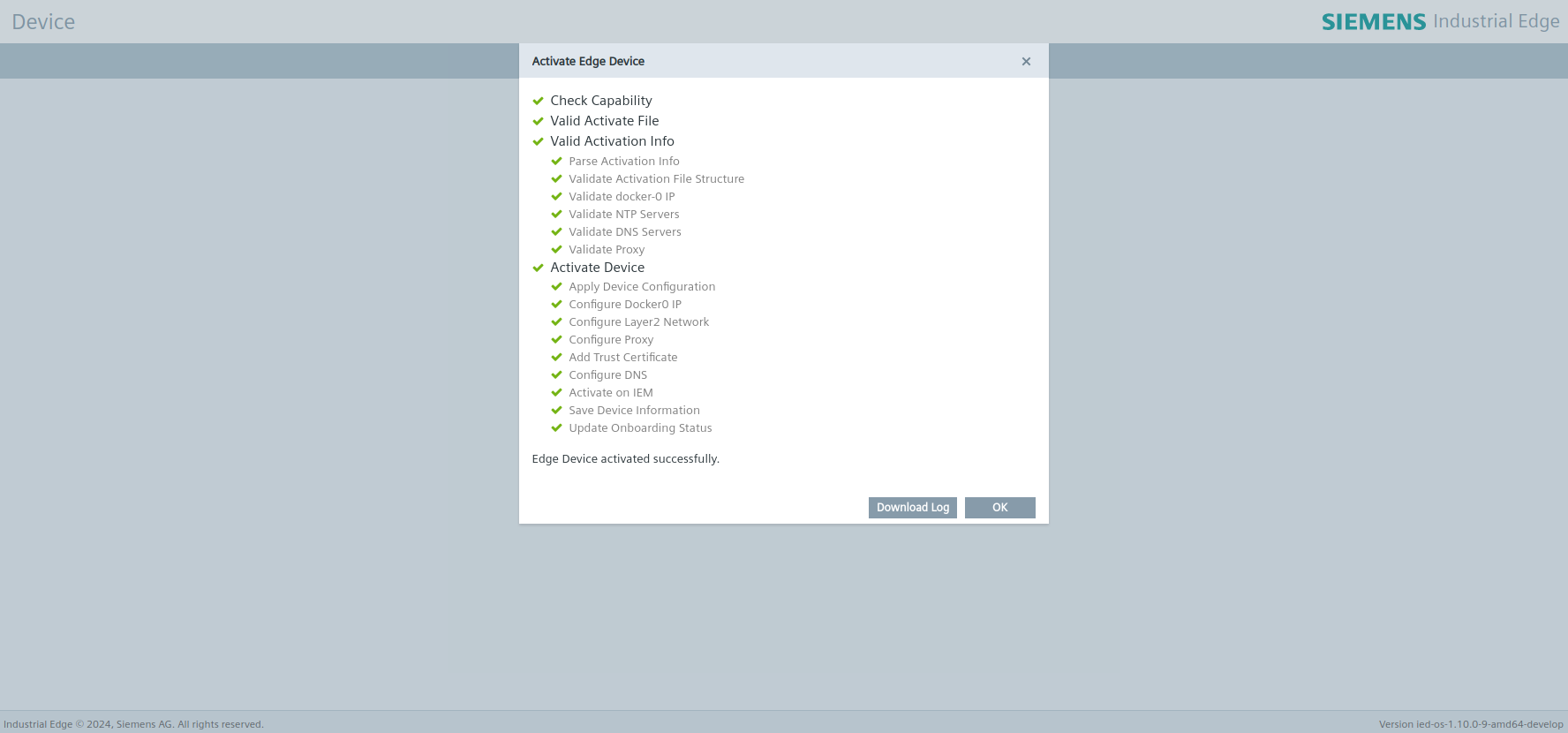
No. Items ① List all device onboard steps ② Download device onboard log. Button is enabled after onboard succeed/failed. If onboard failed, it will mark the failed step and display an error message. If onboard successful, it will mark all steps as successful. The `Download Log' button is enabled after the device onboard process has either failed or succeeded.
-
Click
Ok.You will be redirected to the Edge Device UI.
NOTICE
Connection successful When the Edge Device is connected successfully to the IEM, the status indicator at the top of the Edge Device tile in the IEM switches to green and the IP address of the Edge Device is displayed under the name of the Edge Device.
-
Sign in with your email address and password that you have entered in the
New Edge Devicescreen.The home page of the Edge Device UI is displayed.
NOTICE
When you onboard a SIMATIC IPC Edge Device, you also have the possibility to onboard it via a USB flash drive.
You find the procedure and additional information on this procedure in the SIMATIC IPC Industrial Edge Device - Operation manual.
NOTICE
To onboard a SIMATIC IPC Edge Device with firmware version < ied-os-1.2.0-56 to an IEM, you have to modify the onboarding file.
Please open it in an editor like Notepad++ and add the port 443 to the parameter "potalUrl".
Below is an example.

NOTICE
For devices with ied Version > 1.27.0-5, a retry mechanism has been implemented during the device onboarding process.
If temporary network glitches or loss of connectivity occur while activating the device at the Enable on IEM stage, the system will automatically retry the operation before reporting a failure.
This ensures smoother onboarding and improved reliability in environments with intermittent network stability.
The following image illustrates the error page that may appear if retries are exhausted and the activation still fails: