Device groups
General
Device groups allow you to share access to Edge Devices with other users. You can create new device groups and add users to these groups, enabling shared access to your edge devices.
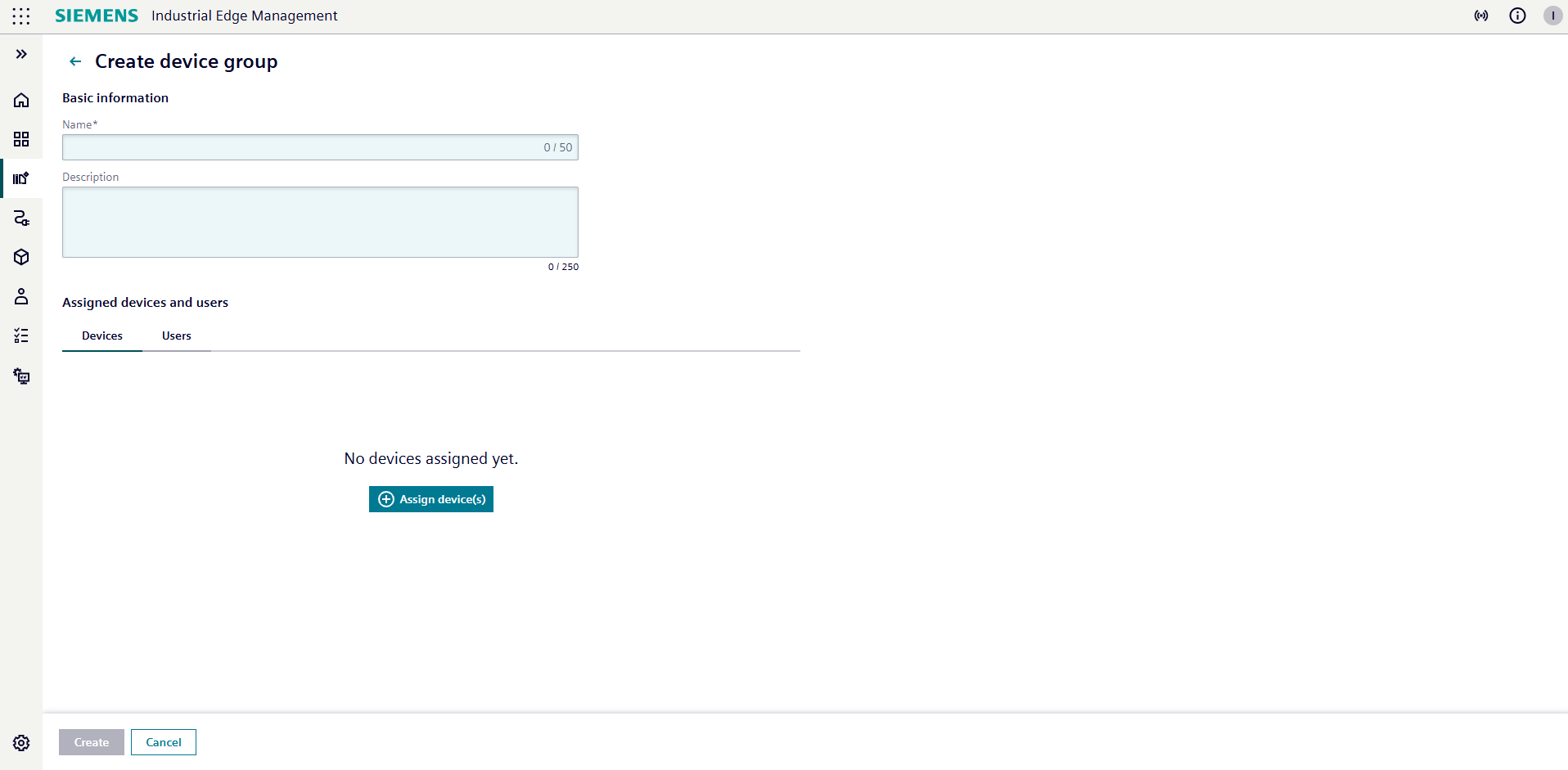
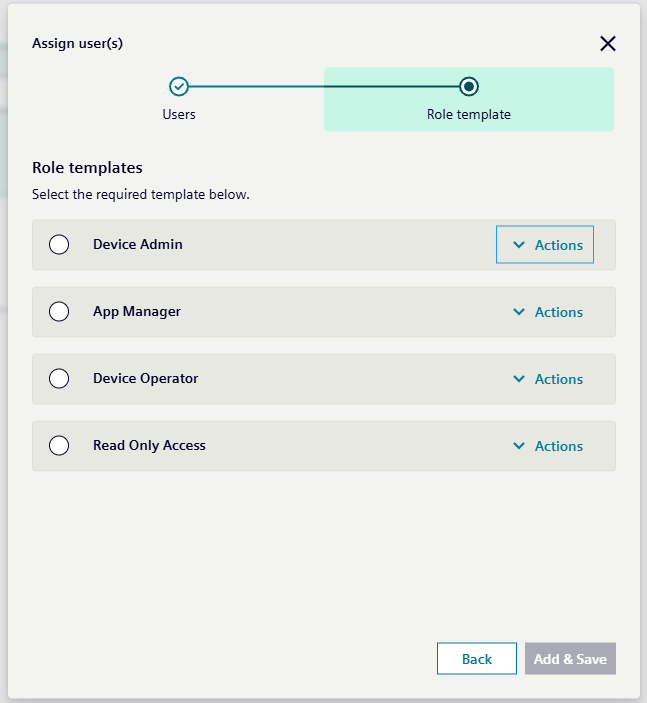
When you want to create a device group, you begin by entering a name for the group. You then select the edge devices you want to include by checking the relevant boxes. Next, you switch to the Users tab and assign users to the group by entering their registered email address in IAM, then click Next. For each user, you choose the appropriate role template to define what actions they can perform, such as viewing devices, accessing device details, or retrieving logs.
Once you click Create, you are redirected to the details page for your newly created device group.
Access Requirements
To create device groups, you need either the "Create device group" action at the IEM (Industrial Edge Management) level or the Admin role of the ie-management client.