Connecting to an IEM
This section describes how to connect to an IEM to be able to manage both connected Edge Devices and Edge Apps that you deploy individually on each Edge Device.
You can find more detailed information about the IEM in the Industrial Edge Management – Operation manual.
Procedure
-
Click on the
Go Onlinebutton.
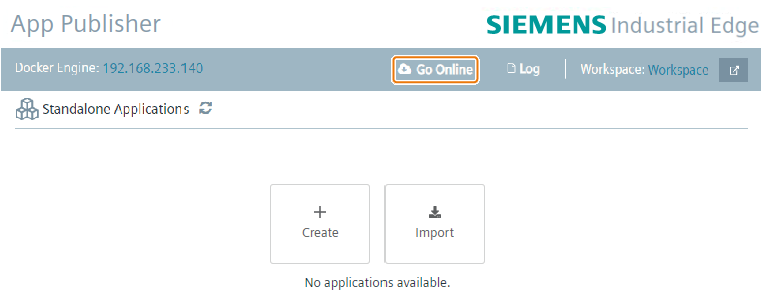 The IE App Publisher shows the Edge Management Configuration.
 -
Type the URL or IP of an IEM into the
Edge Management URLinput field. -
Click on the
Connectbutton.
The IE App Publisher is connected to the Edge Management with the URL or IP in the input field.